
Commercial cleaning
Many sites, small teams, tight margins
When the same twelve people cover forty buildings, the difference between profit and loss is whether the hours you invoice match the hours you paid for.
What we hear
The four that come up every time
- Staff clocking in from home, or from the car park
- Contracts quoted on hours that turn out to be optimistic
- No proof of attendance when a client complains a site was missed
- Payroll rebuilt by hand from paper timesheets
0
hours retyped between clock-in and payroll
What you’d use
The parts that matter for commercial cleaning
Rota & scheduling
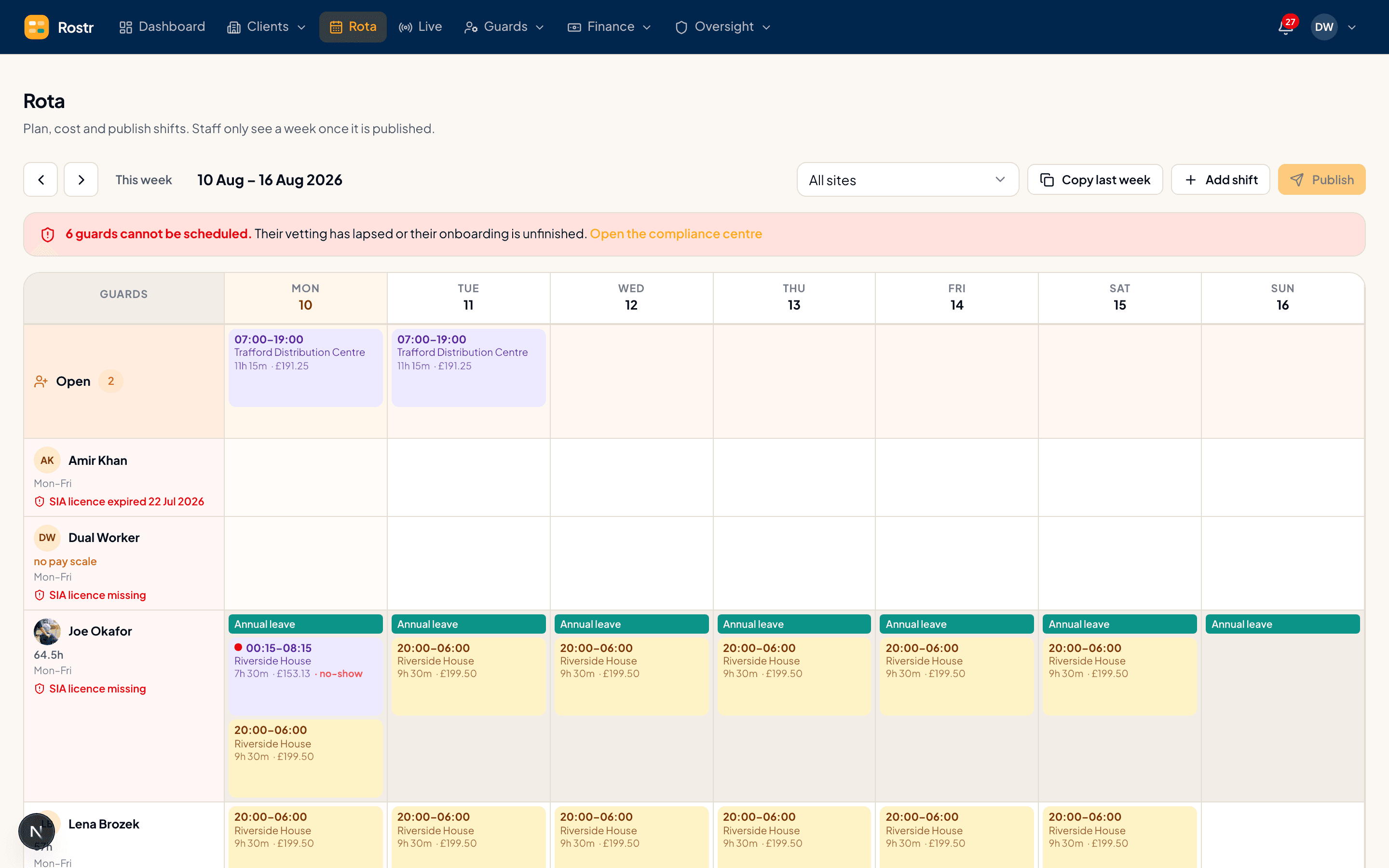
Drag shifts from reusable patterns, fill gaps from a list of who is actually available, and publish to every phone at once. If someone is not qualified to work a site, the rota says so before you assign them — not after.
- Patterns, not copy-paste. Nights, four-on-four-off, weekend cover — save the shape once and drop it onto any week.
- Clashes caught as you type. Double bookings, insufficient rest between shifts and unqualified assignments are refused at the point of the drag.
The staff app
Staff see their shifts, get directions, read the arrival instructions for that specific site, and clock in and out. No training, no handsets to buy, no paperwork to chase at the end of the month.
- Geofenced check-in. Clocking in only works at the site. Out-of-area attempts are flagged for review or refused outright — your choice.
- Briefed before they arrive. Gate codes, key locations and who to report to, on the shift itself, so nobody rings the office at 6am.
Timesheets & pay
Timesheets are built from real check-in and check-out data, with breaks, overtime and holiday already applied. Approve the exceptions, export to payroll, and invoice the client from the same approved hours.
- Only the exceptions need you. Shifts that ran as planned approve themselves. You look at the late ones, the short ones and the overtime.
- Holiday accrued properly. 12.07% of hours worked, the way the Working Time Regulations actually define it — not a flat guess.
Patrols & checkpoints
Place NFC tags or QR stickers at checkpoints, numbered in the order they should be visited. Guards tap each one as they go, and you get a timestamped route rather than a signature in a book.
- NFC or QR, same tag. Tap a phone on the tag, or scan the printed code. One token behind both, so a damaged sticker is not a dead checkpoint.
- In sequence, on purpose. Checkpoints are numbered. Skipping one is visible, which is the entire point of a patrol record.
Case study
Closed the gap between invoiced hours and paid hours
“We were losing money in the gap between what we billed and what we paid. We couldn't see the gap until it was measured.”
Managing Director, Meridian Facilities
Ready to see it on your own rota?
Start free in minutes, or have us build one of your real weeks live on a 30-minute call.
30 days free · No card required · Cancel any time